

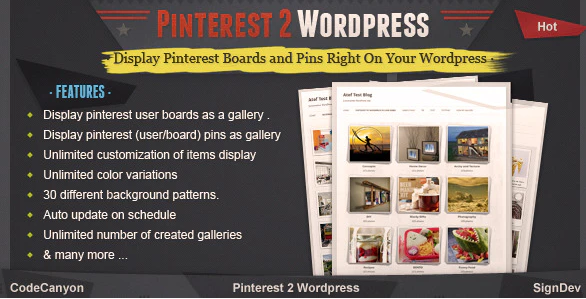
PINTEREST TO WORDPRESS PLUGIN
How To Use ?
Key Features
Pinterest boards as WordPress gallery
add any Pinterest username to display his boards as a gallery in wordpress where every board display its pins in a pop-up gallery style
PINTEREST TO WORDPRESS PLUGIN
Pinterest pins as WordPress gallery
add any Pinterest username to display his pins right on wordpress in pop-up format
Pinterest board as WordPress gallery
add any Pinterest username and board to display the board pins right on wordpress in pop-up format
Unlimited Customization of items dimensions
you can set the Height, Width & Margin of items displayed generating 100% customizable layout
Full control on displayed parts of the item
you can show or hide item description, item count on page or on pop-up
2 linking options
you can show pins on pop-up or link them directly to pinterest.
Full control on what items to display / hide
you can check items to display or uncheck itrms to hide
Unlimited color variations
using a color selector you can choose the color of the gallery
Various background options
30 different background patterns available to choose from
Auto-update
option to auto-update items regularly on a schedule
Unlimited numbers of galleries
you can create and display an unlimited number of galleries
Simple and easy to use:
just copy/paste the gallery shortcode to display it on your page/post
What buyers say?
PINTEREST TO WORDPRESS PLUGIN
How to install?
– Extract downloaded file from codecanyon you will find a folder called “www” . open it and you will find the .zip file which is the right plugin file that should be uploaded to WordPress.PINTEREST TO WORDPRESS PLUGIN
Need support?
| The plugin include free support. Got a problem? don’t worry we have a help desk set up just for your help. submit a support ticket and we always happy to help make you happy choosing our plugin | |
| Please contact me before rating the item so we can fix any issue together. also if you have any questions feel free to ask. |
